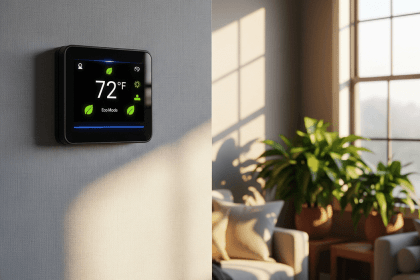
A smart thermostat can save money, but it is not a magic wall gadget. The savings come from reducing heating and cooling when comfort is not needed: while you are asleep, away from home, on vacation, or using rooms unevenly.
For many households, that is useful. For others, the savings are modest because the home already has disciplined thermostat habits, someone is home all day, or the bigger problem is insulation, duct leakage, or an aging HVAC system. The right question is not “Do smart thermostats save money?” It is “Would one reduce wasted HVAC runtime in my home?”
What a Smart Thermostat Actually Does
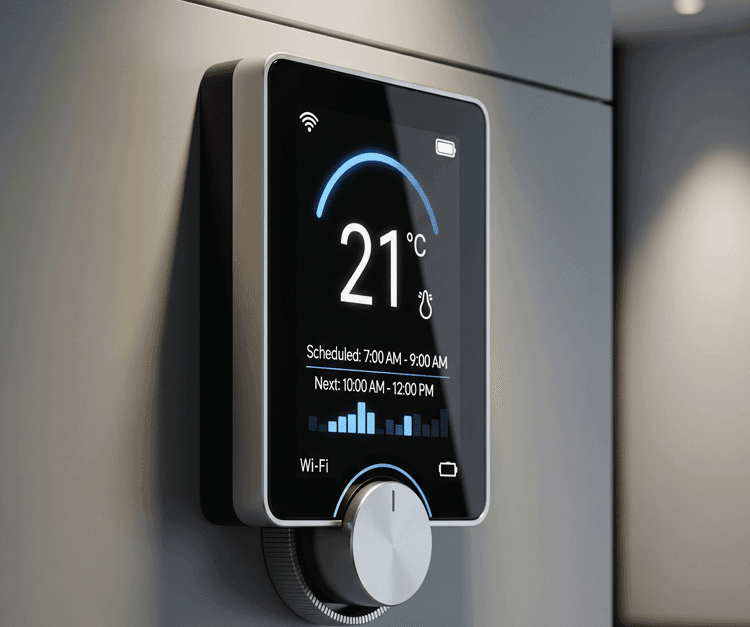
A smart thermostat is a Wi-Fi connected thermostat that can manage heating and cooling through schedules, app control, occupancy detection, geofencing, learning features, and energy reports. Some models also support room sensors, voice assistants, utility demand-response programs, and maintenance reminders.
The core job is still simple: control your HVAC system. The “smart” part is how it decides when to run less, when to return to a comfortable setting, and how much information it gives you about energy use.
Common features include:
- Remote control: adjust the temperature from your phone if you forgot before leaving.
- Scheduling: set different temperatures for work hours, sleep, weekends, and vacations.
- Occupancy sensing: reduce comfort settings when the home appears empty.
- Geofencing: use phone location to prepare the home before you return.
- Energy reports: show runtime patterns so you can spot waste.
- Room sensors: help some homes manage hot and cold rooms more intelligently.
How Much Money Can a Smart Thermostat Save?
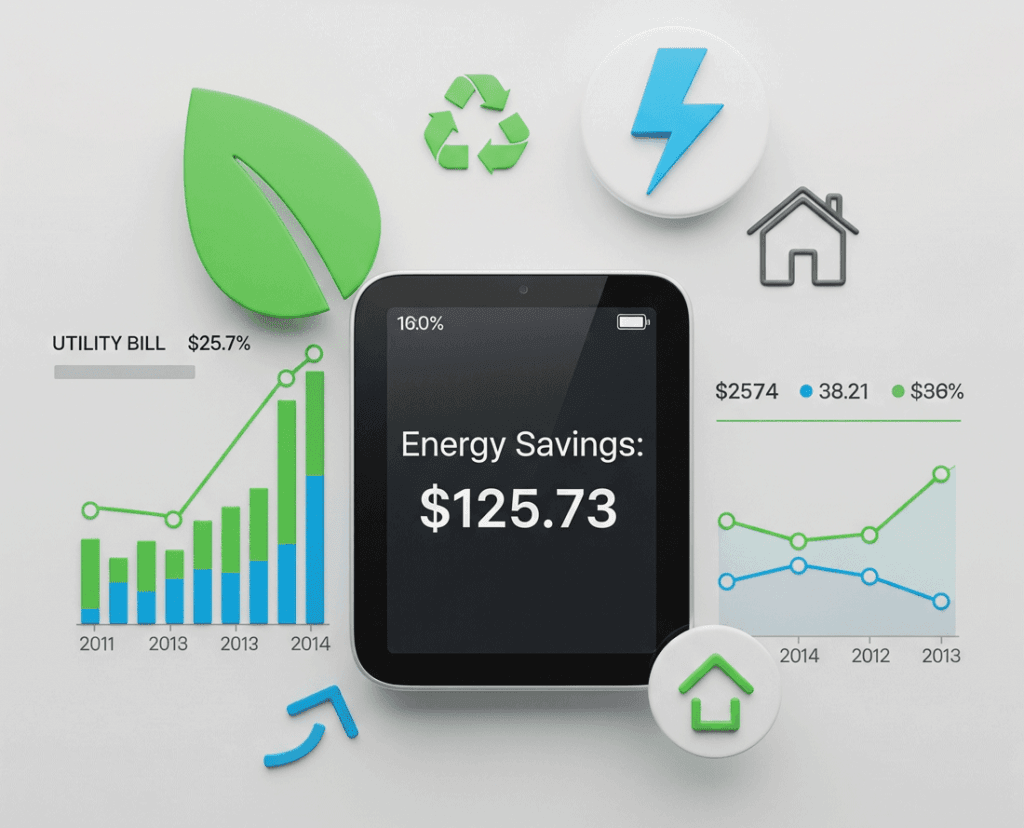
ENERGY STAR says certified smart thermostats are independently certified using actual field data and, on average, can save about 8% of heating and cooling bills, or about $50 per year. That is a useful baseline because it is not a manufacturer-only marketing claim.
But your result can be higher or lower. A household that leaves the AC running all day in an empty home has more room to save than a household that already uses a tight schedule. A house with poor air sealing may still waste energy even after the thermostat is upgraded.
| Home situation | Savings potential | Reason |
|---|---|---|
| Home is empty for 6-9 hours most weekdays | Often stronger | The thermostat can reduce heating or cooling during away hours |
| Someone is home almost all day | Usually smaller | There are fewer hours where setback temperatures make sense |
| Current thermostat is rarely adjusted | Often stronger | Automation can fix a wasteful constant setting |
| Current programmable thermostat is already used well | Often modest | The smart model may add convenience more than major new savings |
| Home has leaks, poor insulation, or HVAC problems | Mixed | The thermostat helps control runtime, but building issues still waste energy |
The Real Savings Come From Setbacks
The U.S. Department of Energy explains that thermostat setbacks can reduce heating and cooling bills when used consistently. In plain language, you save by asking the HVAC system to do less work when full comfort is not needed.
A smart thermostat makes this easier because it can automate the boring parts. It can lower heat after bedtime, raise cooling temperature when you leave, and return to comfort before you arrive. That convenience matters because many people buy programmable thermostats and never program them well.
Still, the thermostat does not override physics. The larger the difference between indoor and outdoor temperature, the harder your system works. If you set the home colder than needed in summer or warmer than needed in winter, smart features cannot fully erase that choice.
When a Smart Thermostat Is Worth It
A smart thermostat is usually worth considering if your current heating and cooling habits are inconsistent. It is especially useful when your schedule changes, when the home is often empty, or when you want remote control during travel.
It is a strong fit if:
- you forget to adjust the thermostat before leaving home
- your home is empty for regular blocks of time
- you want vacation, sleep, and away schedules
- you use central heating or cooling heavily
- your utility offers rebates for ENERGY STAR certified models
- you want runtime reports to understand your energy use
It may be less urgent if you rent, cannot change wiring, already run a well-tuned programmable schedule, or have an HVAC system that needs repair first.
Compatibility Checks Before Buying
The biggest mistake is choosing a thermostat before checking wiring and HVAC compatibility. Smart thermostats often need steady low-voltage power. ENERGY STAR notes that many models use a C-wire, also called a common wire, although some systems can work with adapters or different wiring setups.
Before buying, check:
- C-wire: see whether your current thermostat has a common wire or whether the model needs an adapter.
- System type: confirm support for furnace, central AC, heat pump, auxiliary heat, multi-stage systems, or zone controls.
- Voltage: smart thermostats for central HVAC usually use low-voltage wiring, not line-voltage baseboard systems.
- Manufacturer checker: use the compatibility tool from Nest, ecobee, Honeywell Home/Resideo, or your chosen brand.
- Landlord rules: renters should get permission before changing wiring or equipment.
If your system includes a heat pump with auxiliary heat, unusual wiring, multi-zone controls, or older equipment, professional installation is a better choice than guessing.
Smart Thermostat Features That Matter Most
Do not buy only by screen design. The best model is the one that matches your HVAC system, habits, and room layout.
Scheduling and Geofencing
Scheduling is the foundation. Geofencing can help if your routine changes because the thermostat can switch modes based on whether your phone is near home. This works best when household members carry their phones consistently and privacy settings do not block location features.
Room Sensors
Room sensors are useful in homes with uneven temperatures. If the nursery, bedroom, or home office is consistently different from the hallway thermostat location, sensors can help the system make better comfort decisions. They do not fix bad ductwork, but they can reduce guesswork.
Energy Reports
Energy reports help turn a gadget into a savings tool. If you can see that the system runs hardest at specific times, you can adjust schedules, filter maintenance, blinds, ceiling fans, or insulation priorities.
Rebates and Utility Programs
Many utilities offer rebates for qualifying smart thermostats. Check your local provider before buying. A rebate can shorten the payback period more than choosing a premium model with features you may never use.
Where to Compare Current Models
If you want to compare current prices and user reviews, you can browse ENERGY STAR certified smart thermostats. Treat reviews as a starting point, not proof of compatibility.
Disclosure: This page may contain affiliate links, which means we may earn a commission at no extra cost to you.
Installation: DIY or Call a Pro?
Many smart thermostats are designed for homeowner installation, but the safe path depends on wiring clarity. Turn power off at the breaker, take a photo of the old wiring, label wires before removing them, and follow the manufacturer’s app instructions.
Call a professional if wires are unlabeled, terminals do not match, the system has auxiliary heat, or heating/cooling does not respond correctly during setup. A thermostat is small, but it controls expensive equipment.
How to Get Better Savings After Installation
Installing the thermostat is only step one. The savings come from configuration.
- Set a realistic sleep schedule instead of keeping full comfort all night.
- Use away mode when the home is empty for several hours.
- Avoid extreme “catch-up” settings; setting AC far colder does not cool the home faster.
- Replace HVAC filters on schedule so the system does not work harder than needed.
- Use blinds, curtains, ceiling fans, and basic air sealing to reduce load.
- Review runtime reports after the first few weeks and adjust gradually.
A smart thermostat works best as part of a broader smart home and energy-efficiency setup. For related devices, see our guide to smart home gadgets. For broader environmental upgrades, see eco-friendly inventions that could actually help.
Peak Usage Programs Can Change the Math
Some households save more when the thermostat is paired with a utility rebate, time-of-use pricing, or a peak-demand program. That does not make every smart thermostat a guaranteed win, but it can shorten the payback period when the home already uses heating or cooling heavily. For a broader home-energy view, compare this with smart home energy savings, green home energy choices, and the devices covered in essential smart home gadgets.
Check the Payback Before You Buy
A smart thermostat is most valuable when it changes heating or cooling behavior. If your schedule is already efficient, your HVAC system is rarely used, or the home has comfort problems that need insulation or repair, the payback may be slower than the product page suggests.
- Fast payback: long heating or cooling seasons, predictable setbacks, and high energy rates.
- Slow payback: already careful settings, mild climate, low usage, or poor compatibility.
- Comfort risk: aggressive setbacks can annoy people and get overridden.
- Utility program risk: rebates or demand-response rewards may come with rules you should read first.
This is general home energy guidance, not electrical, HVAC, rebate, tax, or utility advice.
- If solar or batteries are involved, review home renewable energy choices.
Bottom Line
Smart thermostats can save money when they reduce unnecessary heating and cooling. ENERGY STAR’s average savings figure is a useful expectation, but your result depends on climate, occupancy, HVAC equipment, insulation, settings, and whether you actually use the automation.
Buy one if it solves a real control problem in your home. Check compatibility first, look for rebates, choose features that match your daily routine, and configure the schedule after installation. That approach is more reliable than buying the most expensive model and hoping the word “smart” does the work.
Sources: ENERGY STAR smart thermostat guidance; ENERGY STAR smart thermostat FAQ; U.S. Department of Energy thermostat guidance.
Thermostats are only one part of the wider home system; smart home energy savings compares devices, behavior, and automation trade-offs.